Overview
- 工具的需求
- 写代码
- 编译
- 调试
- shell
工具的需求
开发/测试工作流
++--------------------------------------------------------------+
|+--------------------------------------------------+           |
||+---------------------------------+               |           |
|||+----------------+               |               |           |
||||                |               |               |           |
vvvv                |N  Y           |N   Y          |N   Y      |
读代码 => 写代码 => 写完? --> 编译 => 正确? --> 运行 => 正确? --> 下一个功能
- 如何提升写代码的效率?
- 如何提升编译的效率?
- 如何提升调试的效率?
写代码
- STFW(search the friendly web)
- RTFM(read the friendly munual)
- RTFSC(read the friendly source code)
浏览网页时间 : 编码时间 = 9 : 1
- vimium
- neovim
vimium
特性
- 平滑切换vim
- 标签页快速跳转
- 进入任一链接只需敲三下
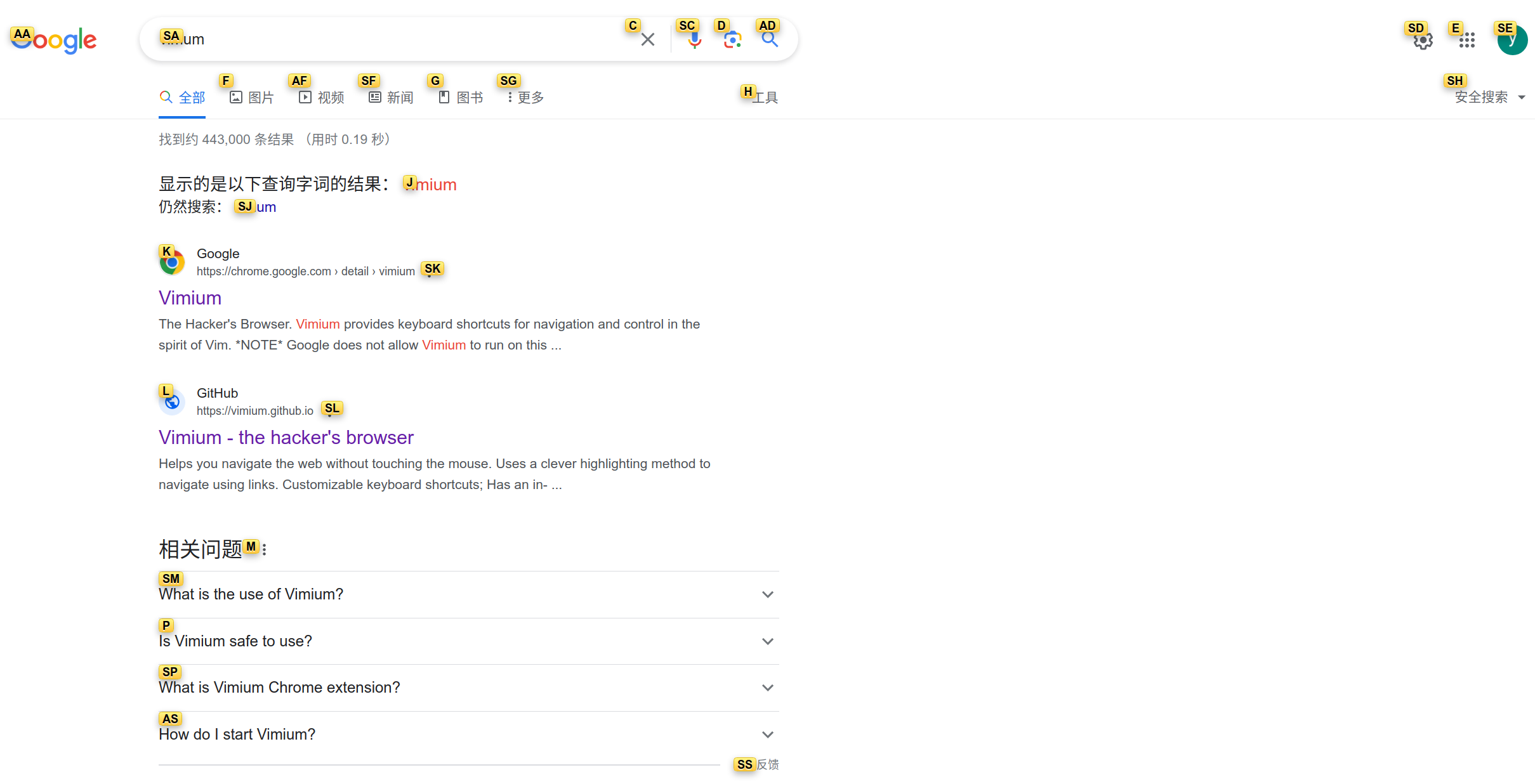
|
vimium
- 拷贝粘贴/搜索
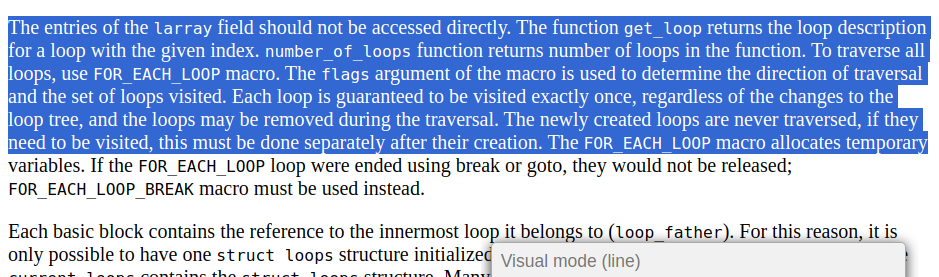
|
- 标签页跳转
- J,gT/K,gt:跳转到上一个(左边)/下一个(右边)标签页
- g0/g$:跳转到第一个/最后一个标签页\
- ^:跳转到上一次访问的标签页
neovim
为什么不是vim,而是neovim
- 更新更快, 添加的新功能更多
- 内置lsp的支持
- 支持lua配置
- 很多插件依赖 neovim 新特性,或者只能在 vim 上勉强使用
- Treesitter:更加的智能和高效的高亮。原始的 vim 中只能按照正则匹配来高亮关键字,但是 treesitter 可以区分什么是函数、成员、类、宏等定义
- 社区更活跃
- vim(21455 commits) 和 neovim(32860 commits) 的开发者数量差距明显
lsp
- 不同的语言需要不同的 Language Server,比如 C/C++ 需要 clangd/ccls, Rust 语言采用 rust analyzer
- 配合bear生成compile_commands.json,使用方便
bear -- compilation command
- 不同的编辑器按照 lsp 的规范和 language server 通信
+------------------------+    +---------------+
|      Editor            |    |Language Server|
+------------------------+    +---------------+
|     Emacs              |    |               |
|     Neovim             +--> |      clangd   |
|     Visual Studio Code |    |               |
+------------------------+    +---------------+
shell
更现代的CLI工具
- ripgrep
- 部分场景比grep快接近一个数量级
- 自动忽略.gitignore和.ignore中指定的文件
- 和grep大部分使用规则兼容,将grep命令中的"grep"字符串替换为"rg"即可
- ranger
- 彻底摆脱GUI文件管理器
- fzf(瑞士军刀)
- 极速
- 完美体现Unix philosophy
shell
利用shell script
# 定义函数:清空行、输出路径、复制到tmux剪贴板
# xclip依赖于图形界面,故没法使用
function _clear_line_pwd_clipboard() {
  zle kill-whole-line            # 清空当前行
  local current_path=$(pwd)      # 获取当前路径
  echo $current_path             # 输出路径

  # 利用tmux进行复制粘贴
  echo -n $current_path | tmux load-buffer
  zle redisplay
}
zle -N _clear_line_pwd_clipboard

# 将上述功能绑定为CTRL + g
bindkey '^G' _clear_line_pwd_clipboard
编译
Compilation & Assembly
- 编译缓存:ccache
bear -- make -j$(nproc)

without ccache                                     2:14.76 total
with ccache first time                             2:42.42 total
make clean && with ccache second time               40.062 total
- Linking
# Just modified several compilation unit
with mold                            1.433 total
调试
- prerequisite
- STFW: 工具的演进过程中隐藏了很多有用信息,如gdb是GNU readline工具
- RTFM: gdb提供了完备的编程接口
- .gdbinit
- python接口
- configure
- readline: 默认的配置文件/etc/inputrc和$HOME/.inputrc
# gdb 窗口切换快捷键
$if gdb
"\C-j":"focus next\r"
"\C-k":"focus prev\r"
$endif
调试
- configure
- script
- Ctrl+r for fzf history reverse search
- ↑ key for partial string matching in history
- TAB for auto-completion with:
- fzf (When fzf is installed)
- floating window (Similar to IPython's auto-completion)
- fish-like autosuggestions (→ key to accept the suggestion)
- script